Best AI Video Generators in 2026: 11 Tools Compared With Prices
The best AI video generators in October 2026, from Gemini Omni and Kling to Runway, Synthesia, InVideo and Fliki, with plans and prices read on the official pages.
 12 min read

The best AI video generator in October 2026 depends on the job. Gemini Omni and Kling lead for text-to-video and image-to-video clips, Runway gives you the most control, Synthesia and HeyGen make talking-presenter videos, and InVideo, Fliki, Creatify and Filmora turn a script into a finished video. Sora is not on the list because OpenAI shut it down earlier this year.
The best AI video generator depends on the job: Gemini Omni, Kling and Runway for text-to-video clips, Synthesia or HeyGen for presenters, InVideo or Fliki for finished videos. Sora is gone (OpenAI shut it down in 2026). Try Kling AI
Summarize this article with:
 ChatGPT
 Perplexity
 Claude
 Grok
GrokWe read the official pricing page of every tool below on October 23, 2026 and put the figures in one table. We also saw one pattern while doing it: the same few models (Kling, Seedance 2.5 and Veo 3.1) show up inside several different platforms, so the real choice is often between interfaces and price, not between models.
How we ranked these tools, and why we did not use a score
We did not run a head-to-head benchmark, and we do not give 8.7 out of 10 scores, because a decimal would imply a precision we cannot back up. The order inside each group reflects four things we could check: what the vendor documents about the output (length, audio, resolution), what the entry plan costs for usable output, whether you can try it free, and how much work the tool takes off your hands. Commission did not decide the order. Some tools here pay us when you sign up through our links, and some do not (Gemini Omni, Runway and HeyGen have no affiliate link from us), and the order does not favor the payers: Gemini Omni heads the generator group and Runway sits ahead of Deevid, and neither pays us anything.
Prices change often and some pages show euros depending on where you open them, so confirm on the checkout page. If you only want to try something without paying, start with our guide to free AI video generators and what still works without an account.
The best AI video generators at a glance
| Tool | Type | Best for | Free access | Entry price (Oct 23, 2026) |
|---|---|---|---|---|
| Gemini Omni | Generator | Chat-style creation and editing | No, Google AI plan required | Included in a paid Google AI plan |
| Kling 4.0 | Generator | Realistic clips with sound | Free tier, details shown in the app | Shown in the app after login |
| Runway | Generator | Control and multiple models | 125 credits, one time | $12 per month billed yearly ($15 monthly) |
| Deevid | Generator hub | Many models in one place | 20 credits at sign-up | $10 per month billed yearly ($14 monthly) |
| Synthesia | Avatars | Training and corporate video | Yes, watermarked | $18 per month billed yearly ($29 monthly) |
| HeyGen | Avatars | Creators and translated videos | 3 videos a month, watermarked | $29 per month |
| InVideo | Video maker | Full videos from a prompt | None on its pricing page | €20 per seat per month (€10 on annual promo) |
| Fliki | Video maker | Script to video with voices | Yes, 720p with watermark | €24 per month (monthly billing) |
| Creatify | Ad maker | Marketing video ads | First ad free | Pro $38 per month on annual billing |
| Filmora | Editor | Editing with AI tools | Free version with watermark | $49.99 per year (Basic) |
| Submagic | Captions and Shorts | Short-form editing | No card required to start | $12 per month billed yearly |
Newest model on this list
Try Kling 4.0 on your own prompt
Kling’s homepage on October 23, 2026 announced Kling 4.0 and its audio-visual performance. The free allowance and paid plans are shown inside the app after you log in.
Try Kling AIAffiliate link: we may earn a commission at no extra cost to you. Prices checked on October 23, 2026; confirm on the checkout page.
Text-to-video and image-to-video generators
These tools invent new shots from a sentence, a photo or both. They are the right pick for ad clips, music-video ideas and social content, and they all work in short bursts, so expect to stitch clips together. This group moved the most in 2026.
Gemini Omni (Google): the easiest way in if you already pay for Google AI
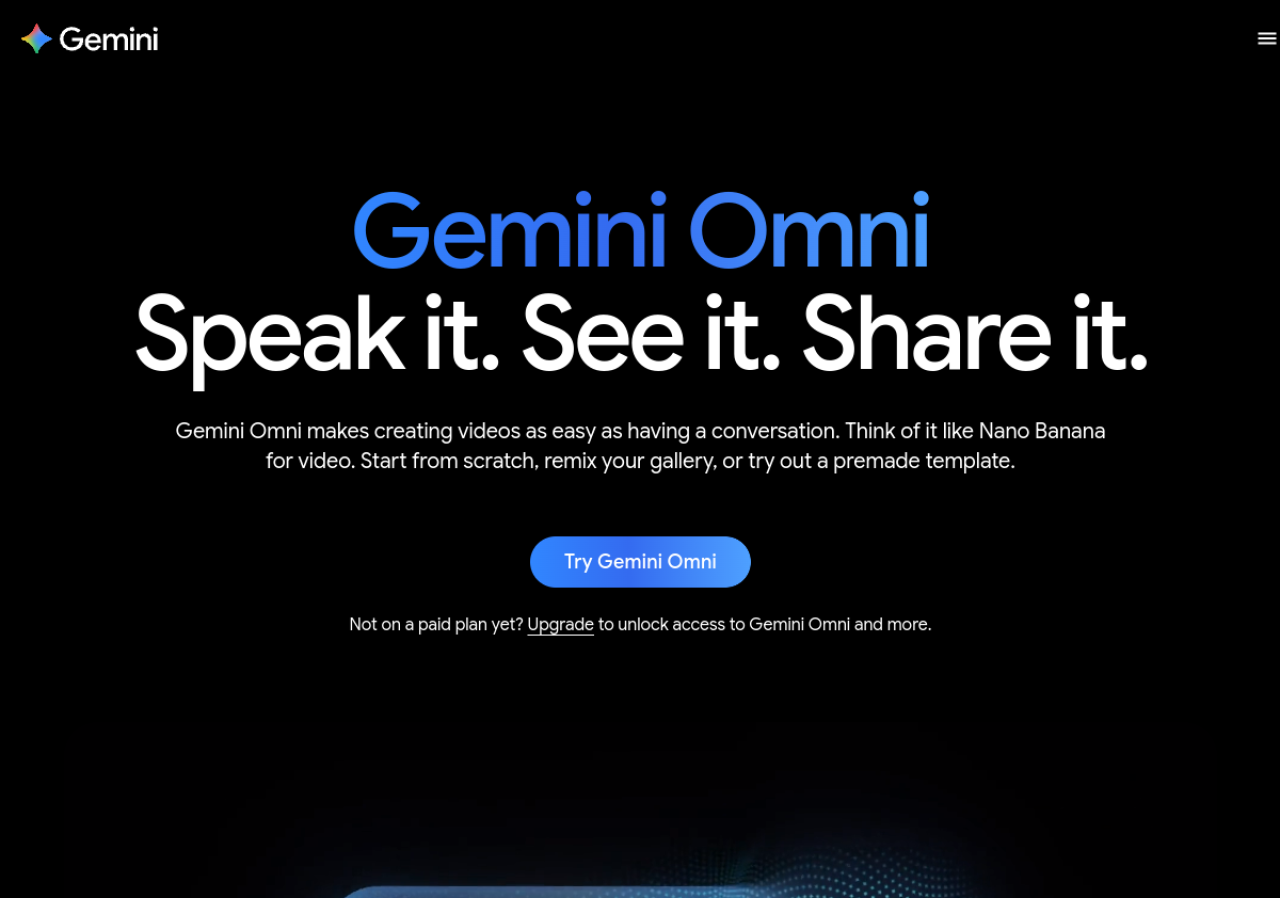
Gemini Omni is Google’s video model inside the Gemini app, and it now replaces Veo 3.1 there. Google describes the current model, Gemini Omni 1.1 Flash, as multimodal: you describe a scene in chat, then keep talking to change the background, swap the wardrobe or extend the scene. Per Google’s page it makes 10-second videos with native audio, accepts up to five photos, and supports video-to-video editing and avatars. A Google AI subscription is required, and features vary by tier and region.
That makes it the cheapest decision if you already subscribe, and a harder sell if you do not, since there is no free tier. We did not read Google’s plan prices for this page, so check them before you commit.
Kling: the model other platforms license
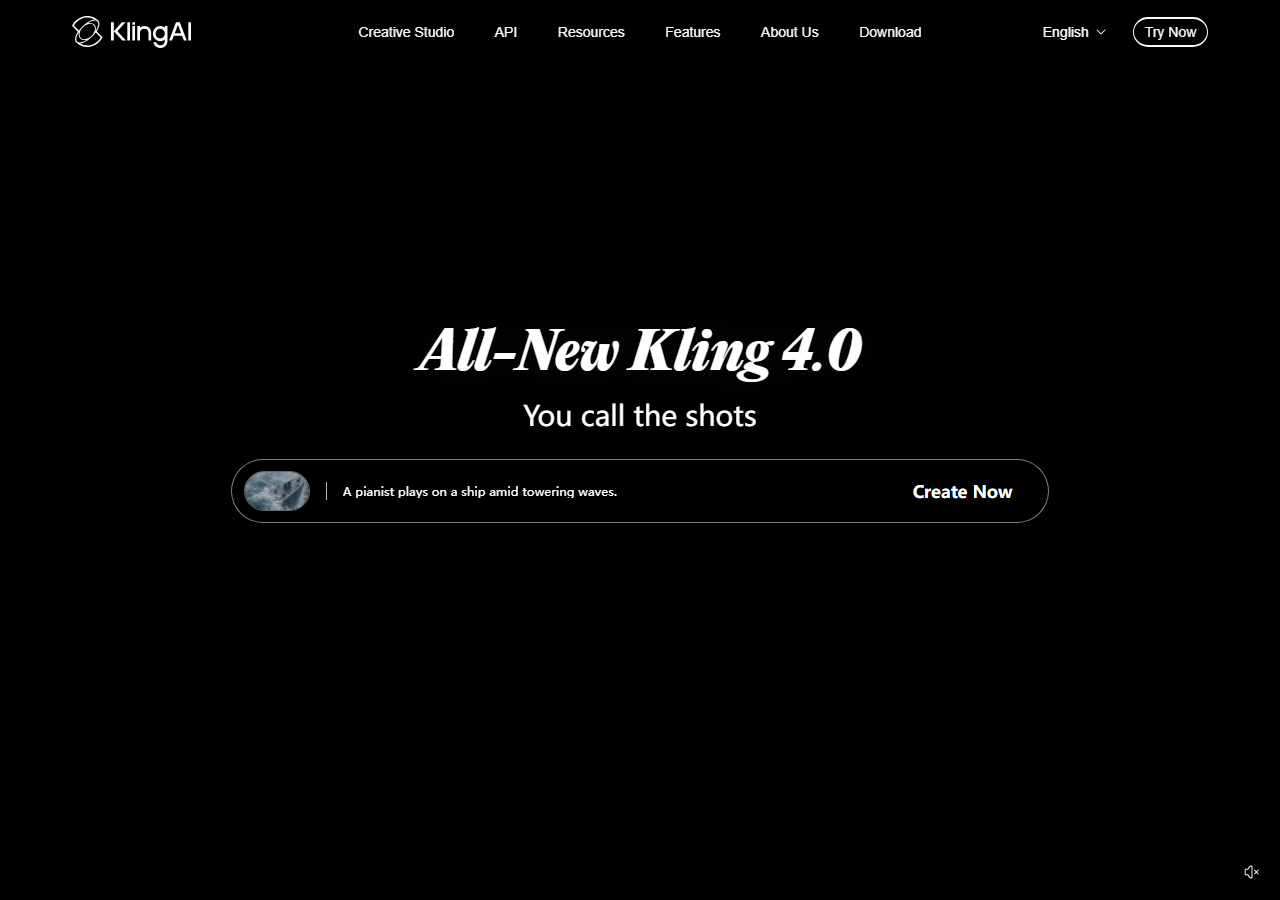
Kling, from Kuaishou, now headlines version 4.0 and describes it as delivering an immersive audio-visual experience with stable, dynamic motion. That is the vendor’s description, and we have not run side-by-side tests. One independent signal: Runway and Creatify both list Kling 3.0 among the models you can use inside their own plans, which tells you other platforms think it is worth reselling.
Kling has had a free tier with renewable credits, but the current allowance and the paid plans only appear after you log in, so we cannot quote them. Open the app, look at what a five-second clip costs in credits, and decide from there. Its homepage also lists Kling Image 3.0, which generates native 4K stills.
Runway: more control, and several models under one roof
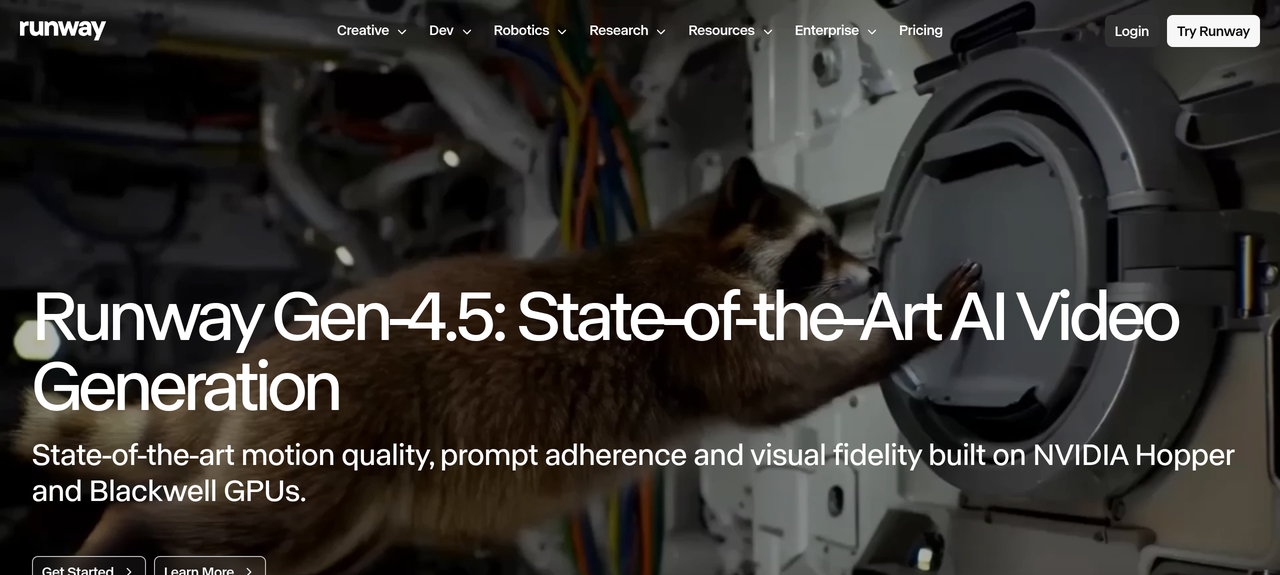
Runway reads like a director’s tool. Its pricing page lists Gen-4.5 alongside Kling 3.0, Seedance 2.5 and Nano Banana Pro, with parallel generations and project limits that scale by plan. The free plan is 125 credits, one time, with no monthly refill. Paid plans, as read on October 23, 2026: Standard $15 a month ($12 billed yearly) for 625 credits, Pro $35 ($28) for 2,250, and Max $95 ($76) for 9,500.
Credits do not roll over on Standard or Pro, and Max rolls over one month. Credits are the real cost here, so open a generation, check how many it uses, and divide your monthly allowance by that number before you subscribe.
Deevid: one account, many models
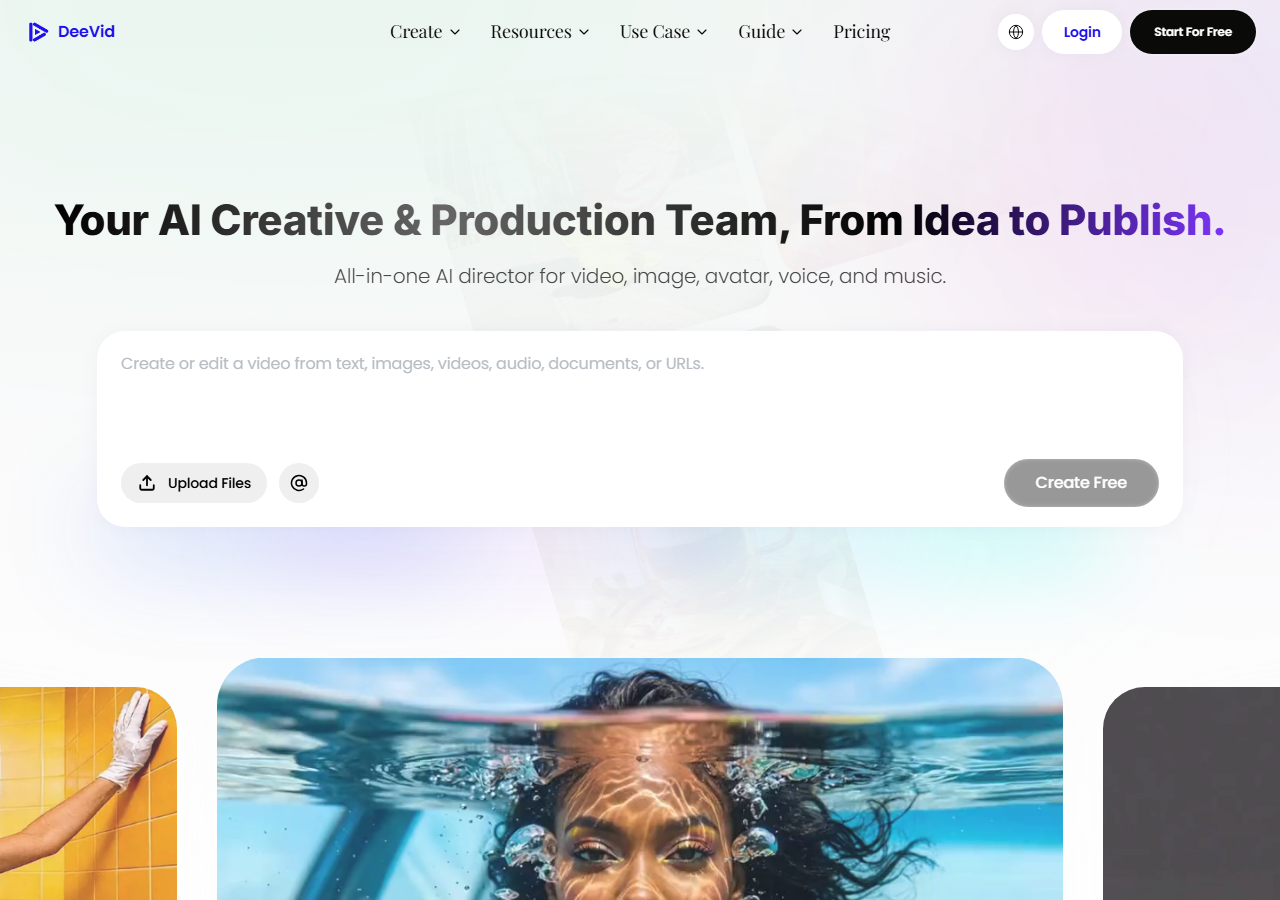
DeeVid pitches itself as an all-in-one director for video, image, avatar, voice and music. Its pricing page showed three plans on October 23, 2026, in dollars: Lite at $10 a month billed yearly ($14 monthly) for 200 credits, about 40 videos; Pro at $25 ($35) for 600 credits, about 120 videos; and Premium at $119 ($159) for 3,300 credits. Paid plans advertise no watermark and full commercial use. New accounts start with 20 credits, roughly four videos, according to the page.
The page also carries a banner about “365-Day Unlimited Generation” on selected models, with no terms we could read, so treat it as a promotion to check, not a plan feature. Pro and Premium also list unlimited 720p generation on selected models (Quality 4.0, and Master 4.0 on Premium), which matters only if you generate in bulk.
AI avatar and presenter video
When you need a message delivered by a person on screen, a presenter avatar is faster than any generator. You paste a script, pick a presenter and a language, and export. These two lead the category.
Synthesia: built for training and company video

Synthesia targets onboarding, training and internal communication, with avatars and voiceovers in 160+ languages according to the company. There is a free Basic plan with a Synthesia watermark. On its pricing page the Starter plan was $29 a month or $18 a month billed yearly, Pro was $89 or $64 billed yearly, and Enterprise is custom. The number of avatars rises with the plan, from 9 on Basic to 125+ on Starter and 180+ on Pro. In our earlier hands-on notes, long takes sometimes felt a little stiff, so watch a sample before buying.
HeyGen: more flexible for creators and translation
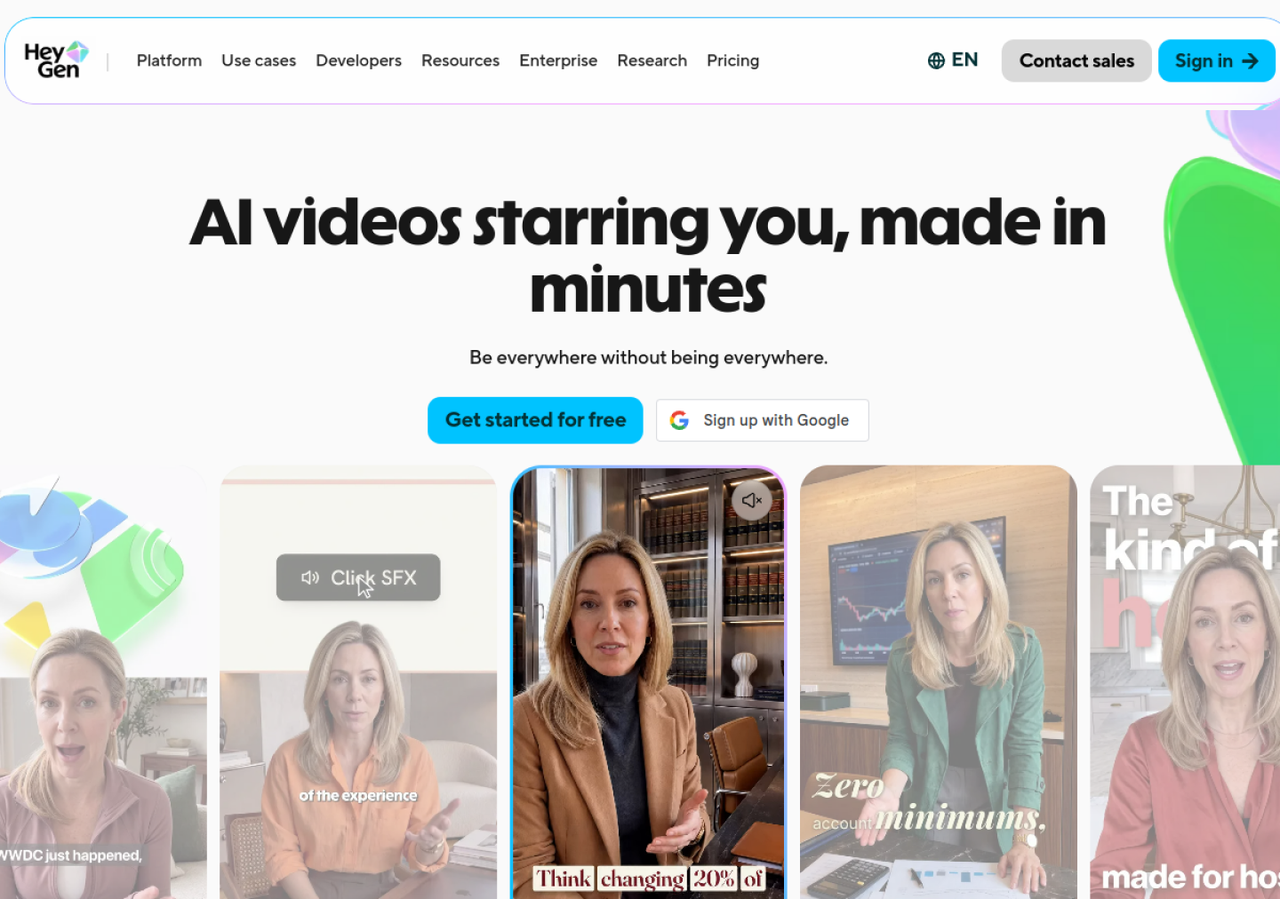
HeyGen is the one to look at if you want your own avatar or need videos translated. Its pricing page showed a Free plan (3 watermarked videos a month, up to one minute each), Creator at $29 a month with 1080p, no HeyGen branding, 600 credits and 175+ languages and dialects, and Pro at $49 a month with 4K export, up to 30-minute videos and access to Seedance 2.5 and Veo 3.1 inside HeyGen. Yearly billing is shown as two months free. We do not have an affiliate arrangement with HeyGen, so the link goes to the official site.
All-in-one video makers and editors
These tools do not try to win on raw clip quality. They assemble script, voice, stock or generated visuals and captions for you, which is what most people who publish weekly actually need. They pair well with a voice tool, and our ElevenLabs review covers the best-known one.
InVideo: describe the video and let agents build it

InVideo now presents itself as a platform where AI agents do the production work, with a timeline editor when you want to take over. Its pricing page, shown to us in euros, listed Starter at €20 per seat per month with 400 credits, Plus at €60 with 2,000 credits and Max at €150 with 5,000, and a 50% annual promotion that brought them to €10, €30 and €75 a month. Seedance 2.5 access starts at Plus; Starter is limited to lighter Seedance 2.0 models. Credits do not roll over, and we saw no free plan on the page, so check the signup flow for a trial.
Fliki: the pick when the voice matters most
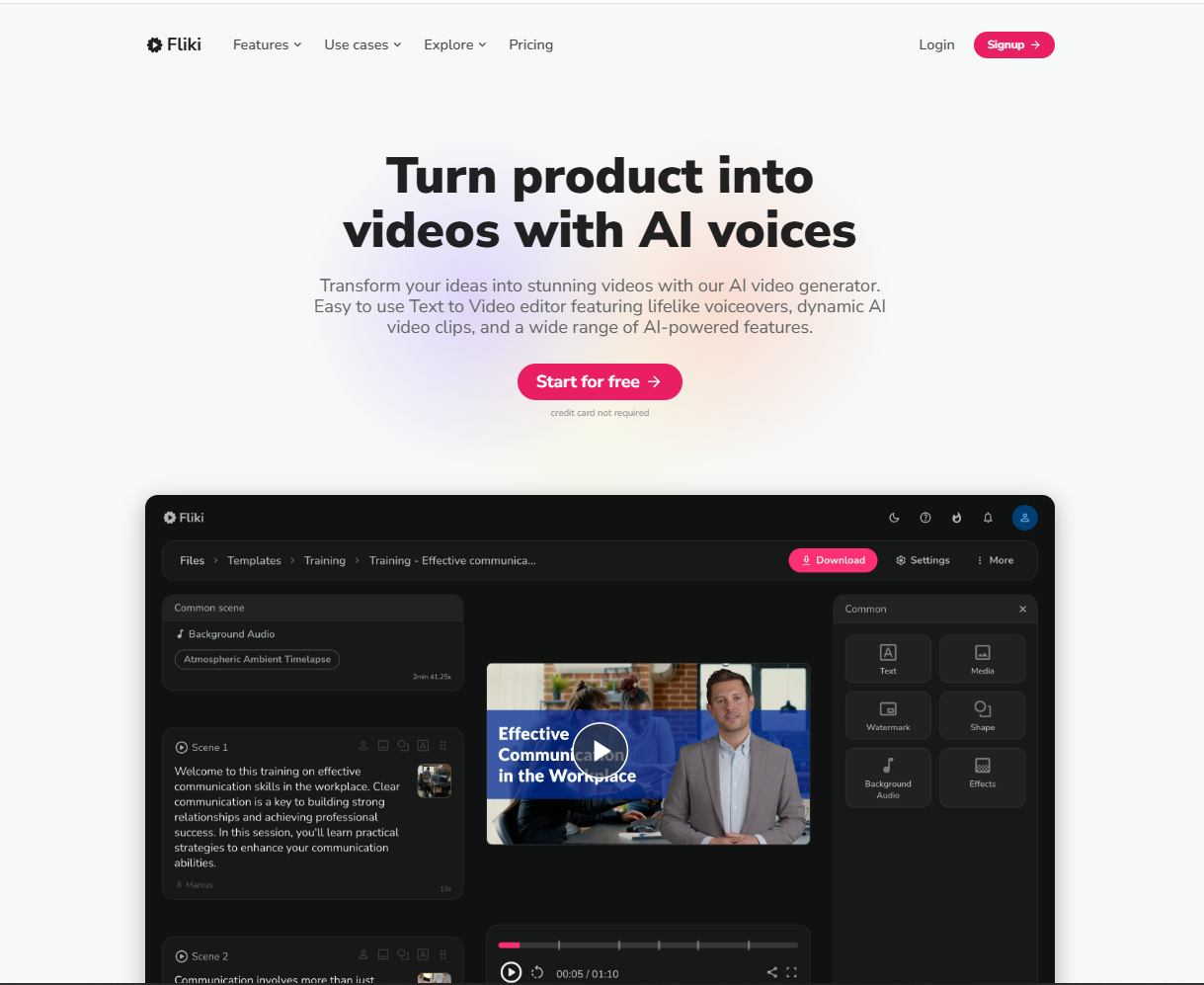
Fliki turns ideas, scripts, blog posts or slide decks into narrated videos. The free plan gives 3 credits a month, 300 voices across 80+ languages and 720p exports with a Fliki watermark. In euros, Standard showed €24 a month (180 credits, 1080p, videos up to 15 minutes, voice cloning) and Premium €75 (600 credits, 2,000+ voices, videos up to 40 minutes). Yearly billing is advertised at 40% off.
Creatify: video ads from a product link

Creatify is for marketers. It builds ads with AI actors, ad templates and a feature that remakes an existing ad from a URL. The Pro plan showed $38 a month with the annual toggle on ($55 crossed out) for 280 credits a month, and the plan page lists 100+ premium models including Seedance 2.5, Veo 3.1 and Kling 3.0 Pro. The homepage offers a first ad free with no credit card. If your goal is ads for a store, it is a better fit than a cinematic generator.
Filmora: a classic editor that now generates clips
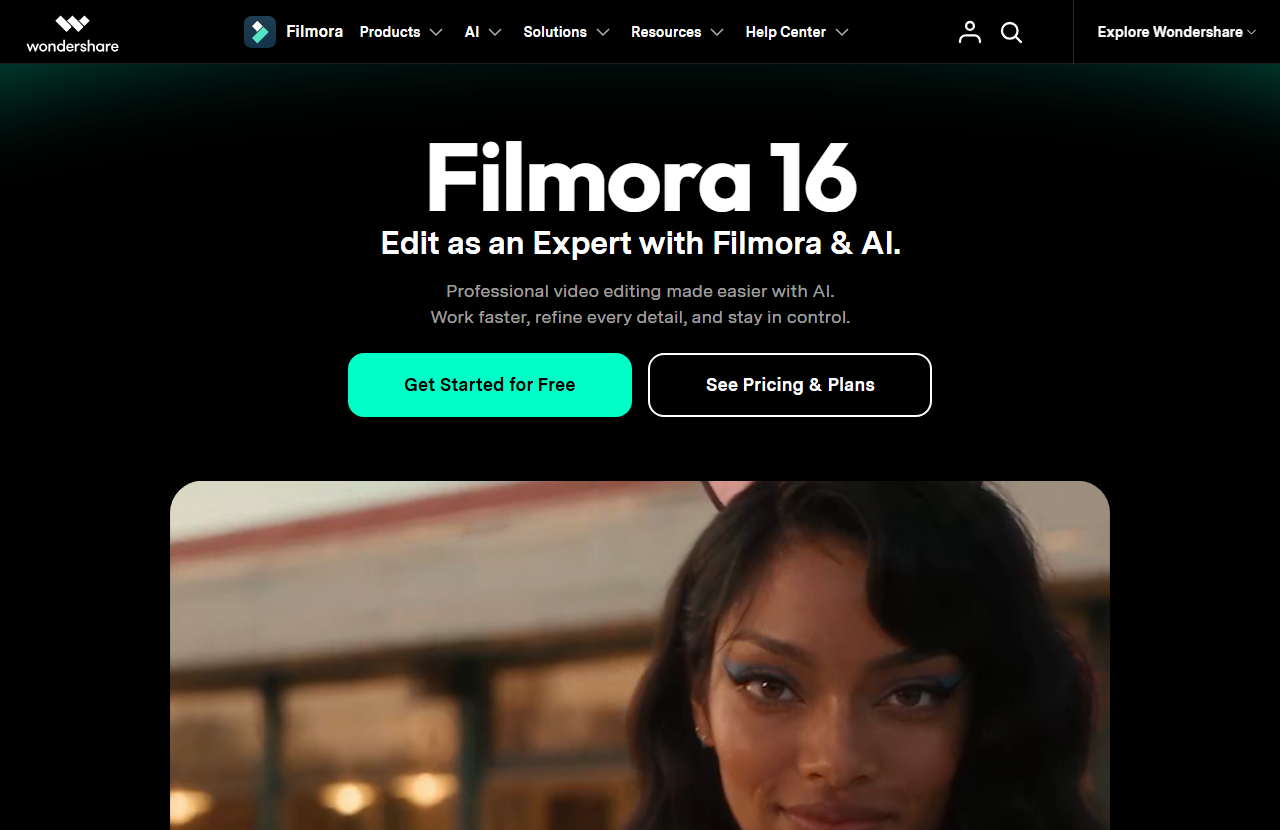
Filmora is a desktop editor first. Version 16 adds AI text-to-video and image-to-video through Veo 3.1, plus clip extension, on top of the usual timeline. A free version exists, with a watermark on exports. On its North American pricing page, billed yearly, Basic was $49.99, Advanced $59.99 and Premium $99.99 a year, and the Advanced tier includes monthly AI credits. Pick Filmora if you want to edit footage you filmed and sprinkle in AI clips, not if you want a prompt-only workflow.
Submagic: captions and Shorts, not generation
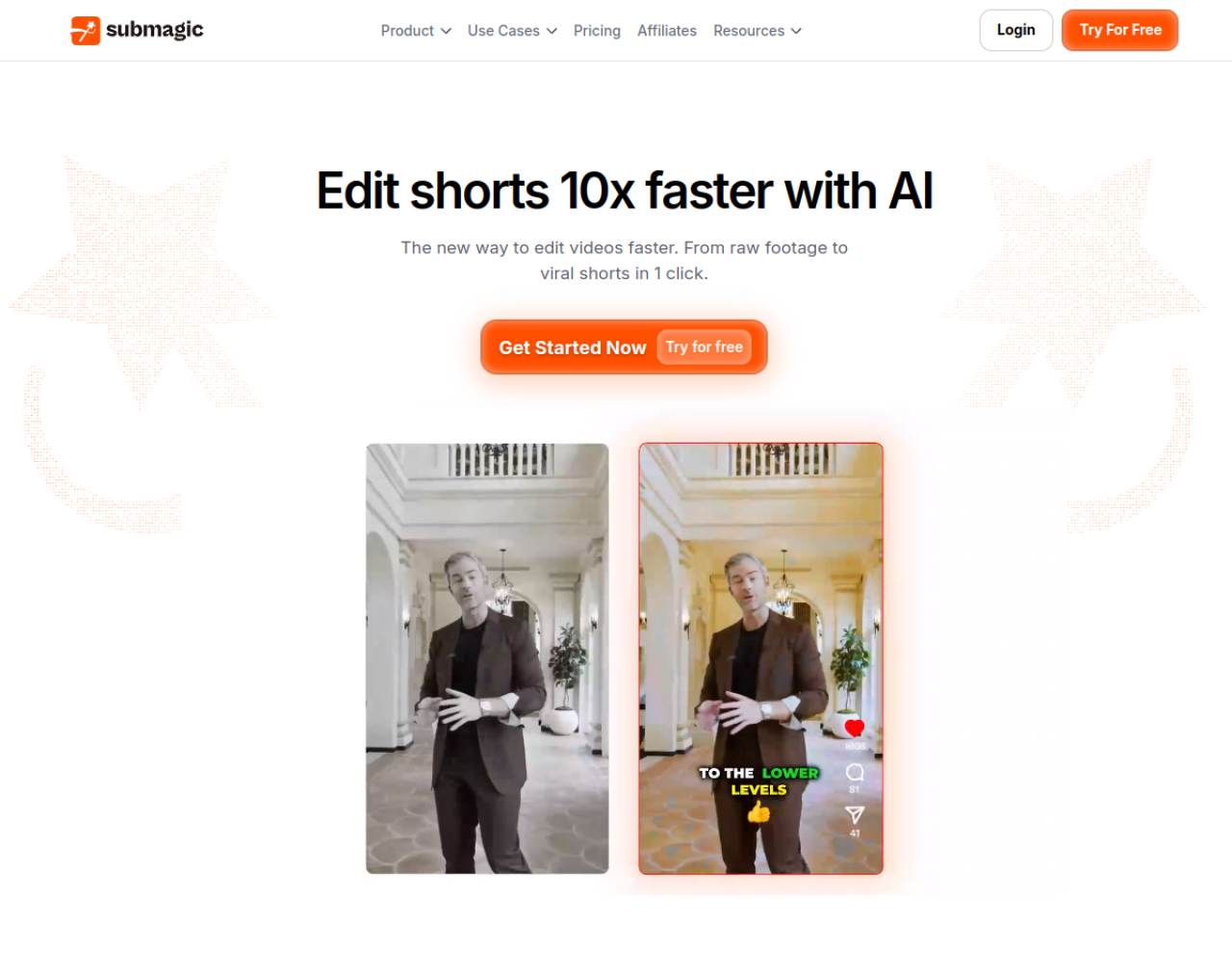
Submagic does not create footage. It takes a clip you already have and adds animated captions, cuts and b-roll for TikTok, Reels and Shorts. Its yearly prices, per member per month, were Starter $12 (45 credits, about 15 videos, 2-minute limit, no watermark), Pro $23 (120 credits, about 40 videos, 5 minutes) and Business $41 (300 credits, about 100 videos, 30 minutes, 4K). Pair it with any generator above.
What happened to Sora?
Many 2025 lists still recommend it. According to OpenAI’s help center, the Sora web and app experiences were discontinued on April 26, 2026, and the API on September 24, 2026. We therefore left it out. Some third-party sites still advertise Sora-branded models, and we could not verify what runs behind those labels.
Deals are another reason to wait if you can. None of these vendors had announced a 2026 Black Friday offer when we last checked on October 22, and our Black Friday tracker and Cyber Monday page will show them as they appear.
Our recommendation by profile
- You already pay for Google AI: try Gemini Omni first, before adding another subscription.
- You want to test generators cheaply: open Kling and Runway’s free allowances and compare the same prompt in both.
- You make explainers or training videos: Synthesia or HeyGen, depending on how much you translate.
- You publish weekly on YouTube or TikTok: InVideo or Fliki for the full video, Submagic for captions.
- You sell products: Creatify for ads.
- You edit your own footage: Filmora.
For a finished video, not a clip
Describe the video and let InVideo’s agents assemble it
Plans on the page we read started at €20 per seat per month, with a 50% annual promotion shown on October 23, 2026.
See InVideo plansAffiliate link: we may earn a commission at no extra cost to you. Prices checked on October 23, 2026; confirm on the checkout page.
Frequently asked questions
What is the best AI video generator in 2026?
There is no single winner. Gemini Omni and Kling are the strongest picks for text-to-video clips, Runway for control, Synthesia and HeyGen for presenters, and InVideo or Fliki for finished videos. Test the same prompt in two tools and compare before you pay.
Which AI is the best for video creation?
It depends on the kind of video. For generated shots, use Gemini Omni, Kling or Runway. For a talking presenter, Synthesia or HeyGen. For a complete social video with voice and captions, InVideo, Fliki or Submagic.
Can ChatGPT create videos?
Not through Sora anymore. OpenAI discontinued the Sora web and app experiences on April 26, 2026 and the Sora API on September 24, 2026. To generate video, use one of the tools in this guide.
Is there an AI video generator that doesn’t have any restrictions?
Not among the services we reviewed, which all apply content rules. Open models you run yourself have fewer built-in filters, but you remain responsible for what you make, including consent, copyright and local law.
What are some new AI video models?
As of October 23, 2026: Kling 4.0, Gemini Omni 1.1 Flash (which replaces Veo 3.1 in the Gemini app), and Seedance 2.5, which Runway, HeyGen, InVideo and Creatify list in their plans. Veo 3.1 is still offered inside tools such as HeyGen, Creatify and Filmora.
What is the most realistic AI-generated video?
We do not know of a neutral scoreboard we would trust, and every vendor calls its own output realistic. Faces, hands and crowded scenes remain the hardest cases. Run the same difficult prompt through two generators and judge the result yourself.