Free AI Video Generator With No Sign-Up: What Still Works in 2026
A free AI video generator with no sign-up still exists, but only a few work. We tested the popular "no login" sites on October 23, 2026 and list what really does.
 9 min read

A free AI video generator with no sign-up still exists in October 2026, but only a few tools deliver one. When we tested the popular “no login” sites on October 23, 2026, two let us generate a clip without an account: the public LTX-Video demo on Hugging Face and Gstory’s guest mode. Others that use the phrase in their titles asked us to sign in the moment we pressed generate.
Only a few tools make a free AI video generator with no sign-up real: Hugging Face’s public LTX-Video demo and Gstory’s guest mode produced clips in our October 23, 2026 test, while Creen AI asked us to sign in. For better quality, try a free account on Kling.
Summarize this article with:
 ChatGPT
 Perplexity
 Claude
 Grok
GrokBelow you will find what each tool did when we tried it, what the limits are, and a separate list of well-known tools whose free plans need an account but no credit card. If you are shopping for a paid tool instead, see our ranking of the best AI video generators.
How we tested “no sign-up” in October 2026
For each site we opened a fresh browser session with no login, typed a short test prompt (a paper boat on a rainy street, slow camera push-in) and pressed the generate button. A tool only counts as “no sign-up” here if it started a generation without asking us to register. For Hugging Face’s demo, we called the public Space directly, the same way its web form does, and received a video file back.
We did not create accounts anywhere, so anything behind a sign-in is described from the site’s own pages. Free tiers change often; the facts below were true when we checked, and some tools were not testable at all, which we say plainly.
The results at a glance
| Tool | Generated without an account? | What we saw | Main catch |
|---|---|---|---|
| LTX-Video demo (Hugging Face) | Yes | Text-to-video request returned an MP4 | Shared demo, short clips, can be busy or change |
| Gstory | Yes, as a guest | 480p clip about 40 seconds after pressing Create | Guest files expire in 24 hours; watermark option shown |
| Creen AI | No | Sign-in window appeared when we generated | Free credits need Google, Apple or email sign-in |
| flowaivideo.org | No | Sign-up prompt appeared after Generate Video | Free credits tied to an account |
| Imgveo | Not confirmed | Page offers 20 free credits, with Log in and Sign up buttons | We could not complete a guest run |
| Vidful | Not confirmed | Home page pushes you to Get Started | We could not complete a guest run |
Free AI video generators that worked without an account
LTX-Video demo on Hugging Face: open model, no login
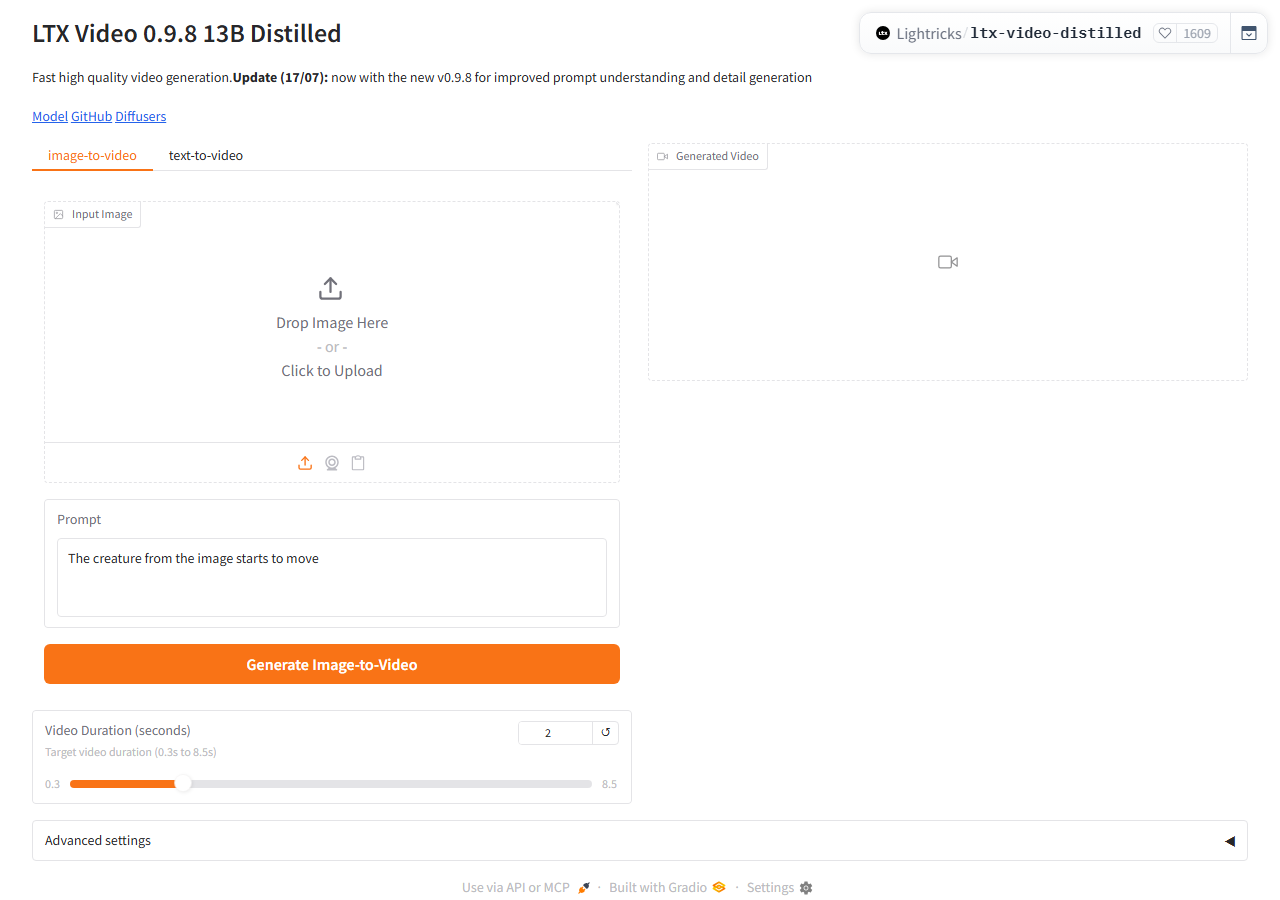
Lightricks, the company behind LTX-Video, hosts a public demo of its distilled 13B model on Hugging Face, and the page showed 1,609 likes on October 23, 2026. You do not log in. The interface has text-to-video and image-to-video tabs, and the duration slider runs from 0.3 to 8.5 seconds. Its defaults are a 2-second clip at 512 by 704 pixels.
We sent a text-to-video request with our test prompt and got an MP4 file back with no account involved. Expect modest quality. This is a distilled, speed-oriented model, not a frontier one, the demo has no editing tools, and it runs on shared hardware, so it can queue, sleep or be changed without notice. It is the right pick for testing an idea, and the wrong one for a deliverable.
Gstory: a guest mode that really produced a clip
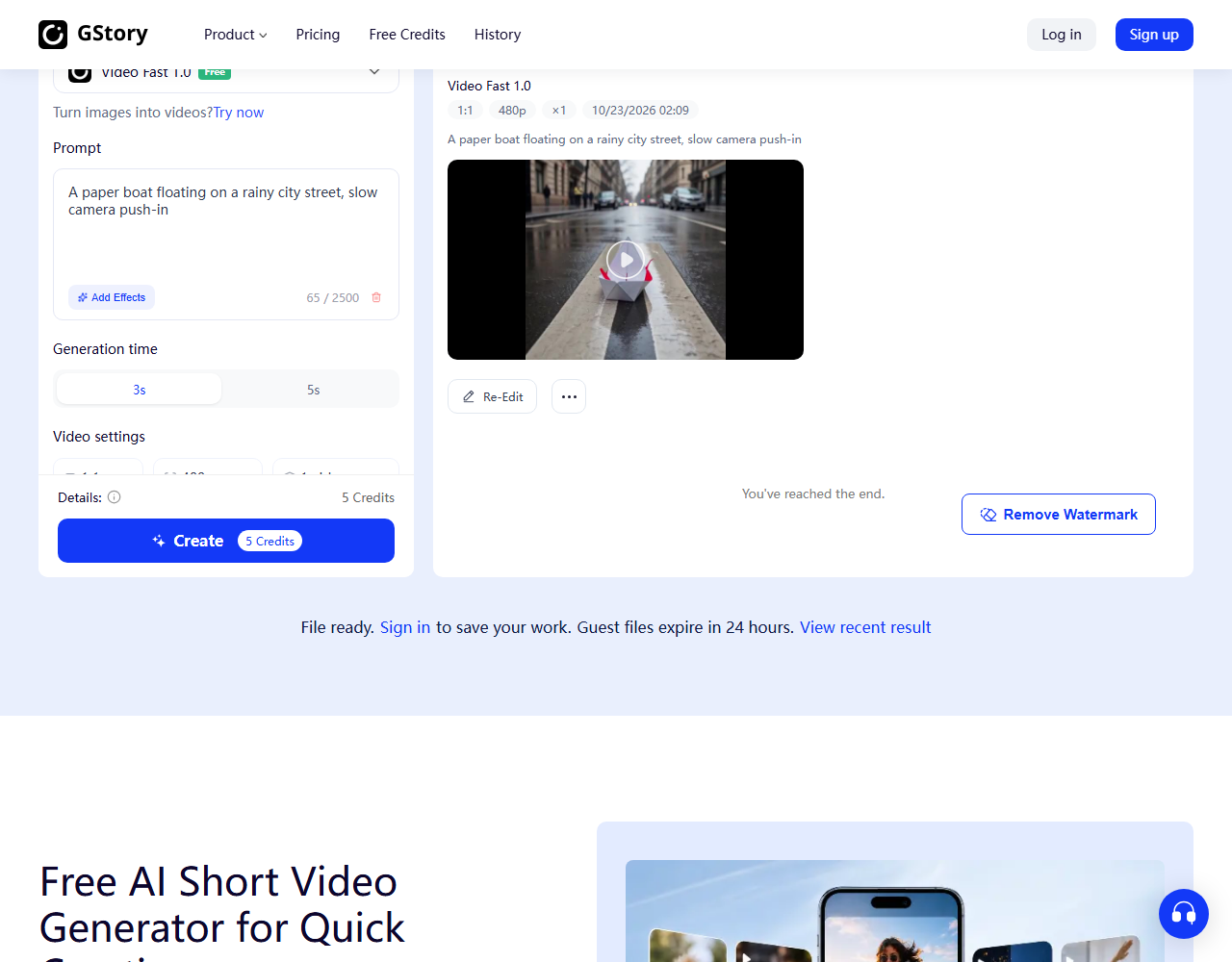
The headline on Gstory’s video generator says “No Sign Up”, and in our test that held. We left the free Video Fast 1.0 model selected, chose the 3-second option, typed the prompt and pressed Create. The page showed “Processing” and returned a 1:1, 480p clip in well under a minute, and the paper boat on the wet street was recognizable.
Three things to know. The headline mentions 4K, but our free clip was 480p. The page tells guests that files expire in 24 hours and asks you to sign in to save your work. A “Remove Watermark” button appeared beside the result, which suggests the free clip carries one. For a quick test it is useful, and for anything you plan to post, read the terms first.
Sites that say “no sign-up” but asked us to register
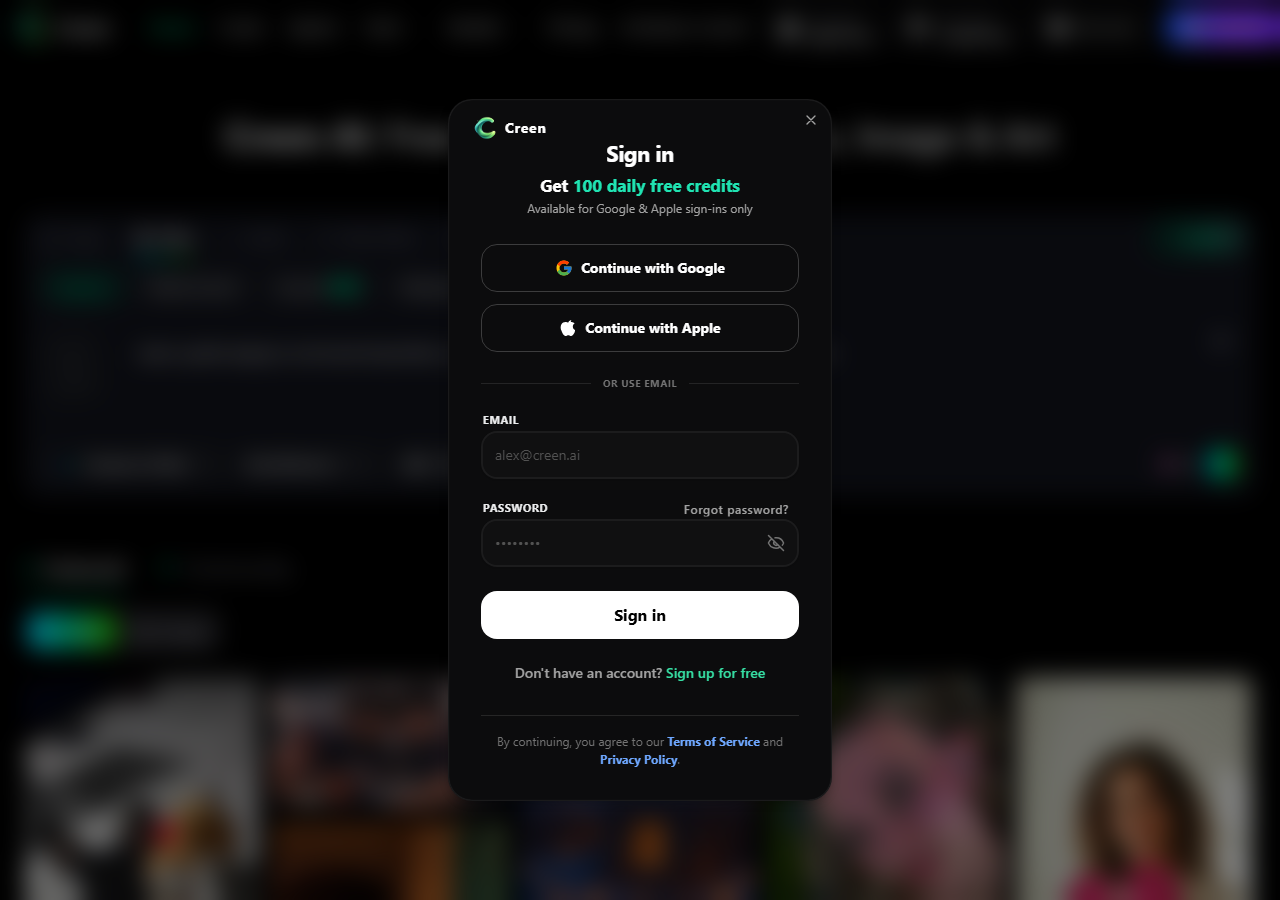
Creen AI is the clearest example, because the page title still reads “No Login”. The prompt box and a video model picker (Seedance 2.0 Mini, 480p, 5 seconds, priced at 70 credits) are visible without an account. When we pressed the arrow to generate, a sign-in window appeared, offering 100 daily free credits through Google, Apple or email. We closed it without registering. Older roundups, including an earlier version of our own guide, listed Creen AI as a no-account tool, and that is no longer accurate.
flowaivideo.org behaved the same way: after we pressed Generate Video, a “sign up and claim free credits” pop-up appeared, and the header shows a credit balance with a Sign In link. Imgveo advertises 20 free credits and “no credit card”, but its menu carries Log in and Sign up, and we could not complete a guest run. Vidful’s home page sends you to Get Started. Treat all three as account-based tools until you see a clip appear without registering.
Free plans that need an account, not a credit card
If you can live with a free account, these better-known tools give you far better quality than the guest demos. They all ration free use with credits, a watermark or a small monthly cap. Our guide to free AI tools with no login covers chat and image tools in the same spirit.
Kling
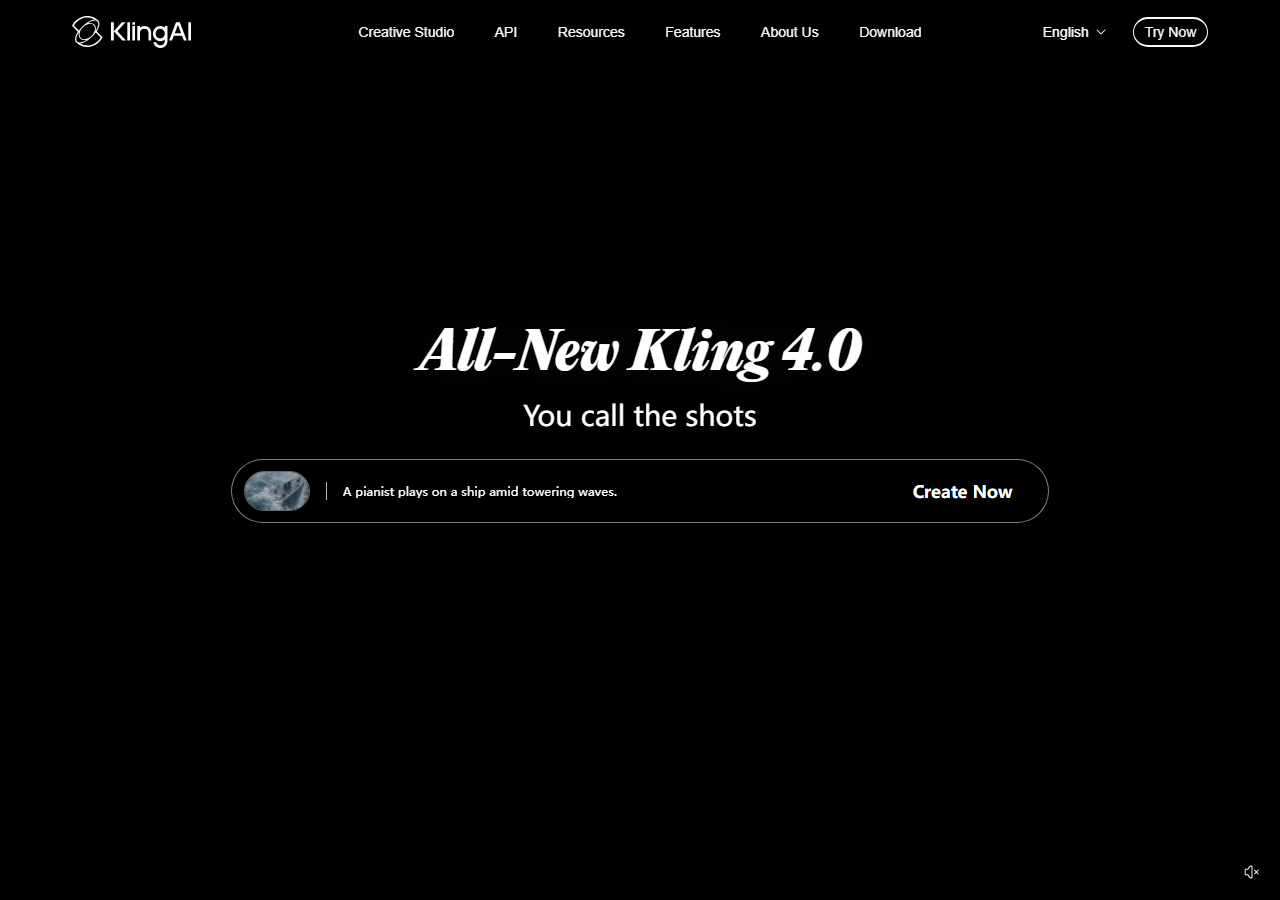
Kling has offered a free tier with renewable credits, and its homepage now promotes Kling 4.0. The current free allowance is only visible inside the app after login, so check what a five-second clip costs there before you plan around it.
Runway
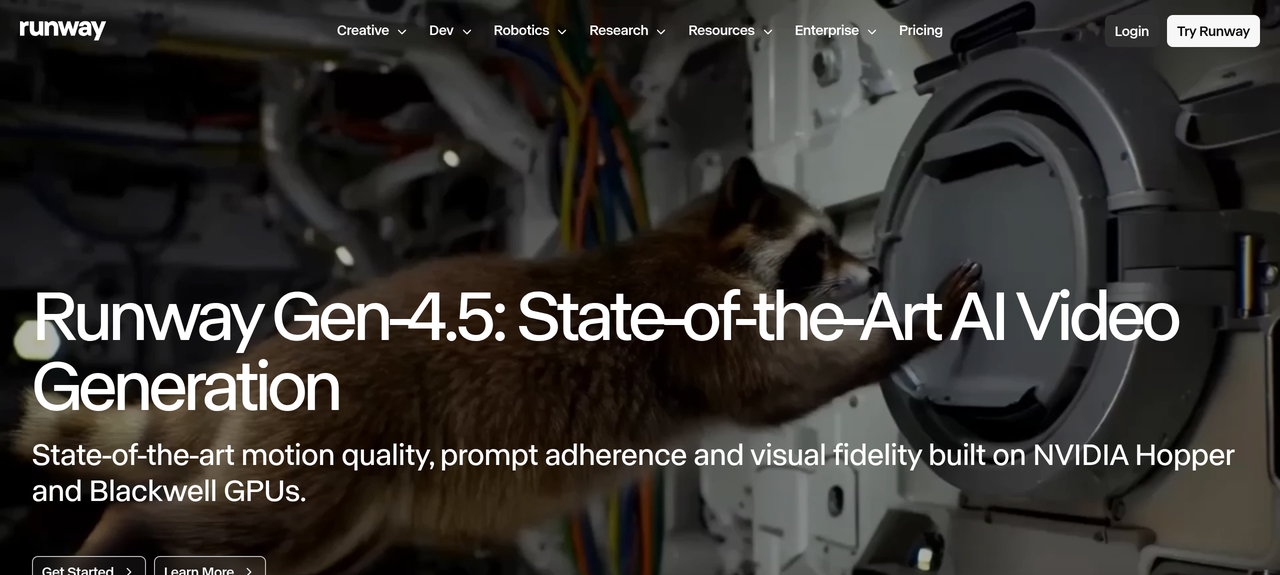
Runway’s free plan is a one-time gift of 125 credits, with access to a selection of its models and 5 GB of storage. It never refills, so it works as a trial and not as a monthly allowance. The cheapest paid plan on October 23, 2026 was Standard at $12 a month billed yearly ($15 monthly) for 625 credits.
DeeVid
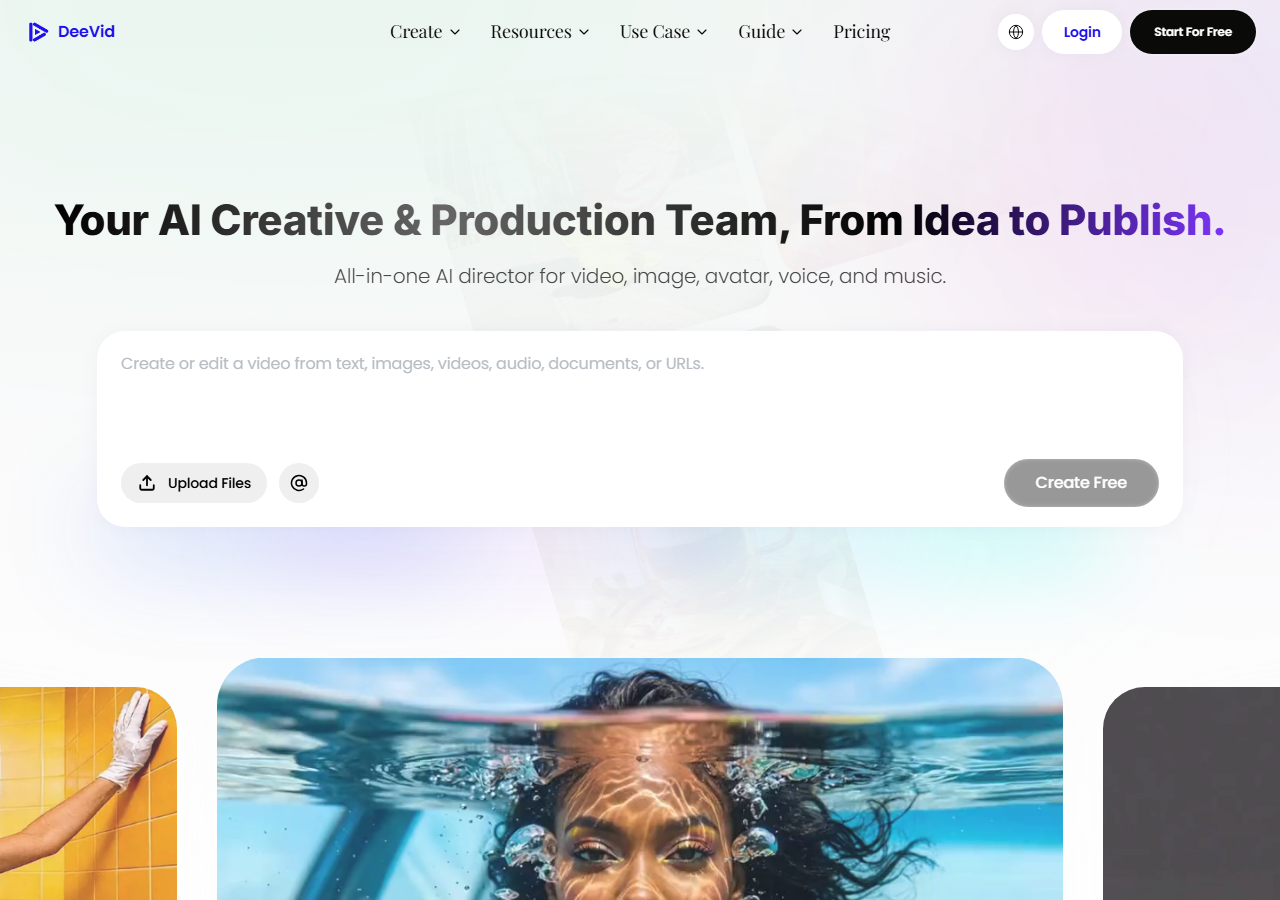
DeeVid gives new accounts 20 credits, which its pricing page equates to roughly four videos, and free videos carry a watermark. Its paid plans start at $10 a month billed yearly ($14 monthly) for 200 credits and are the ones that list no watermark and full commercial use. The pricing page also shows a “365-Day Unlimited Generation” banner whose terms we could not read.
HeyGen, Synthesia and Fliki for talking and narrated videos
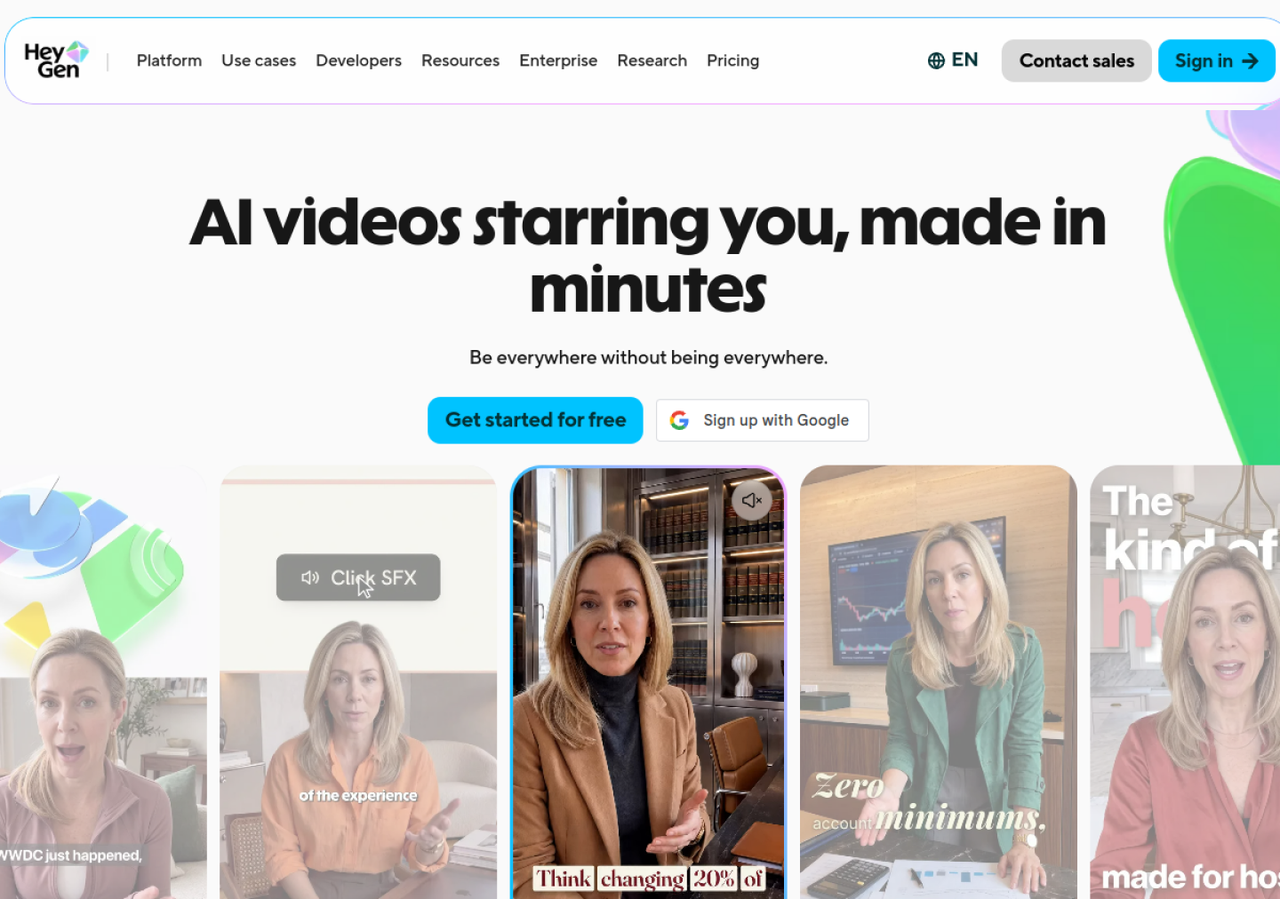
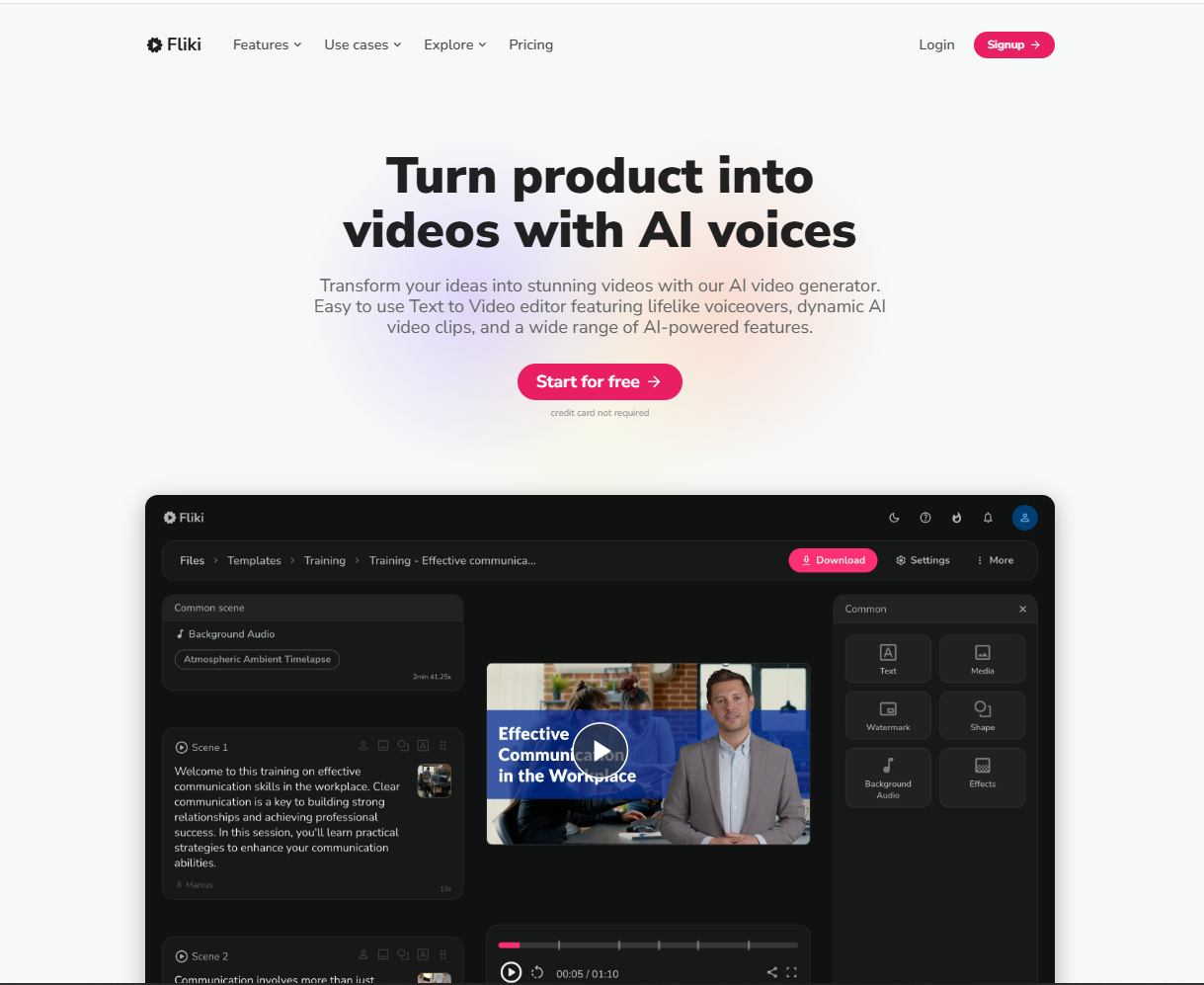
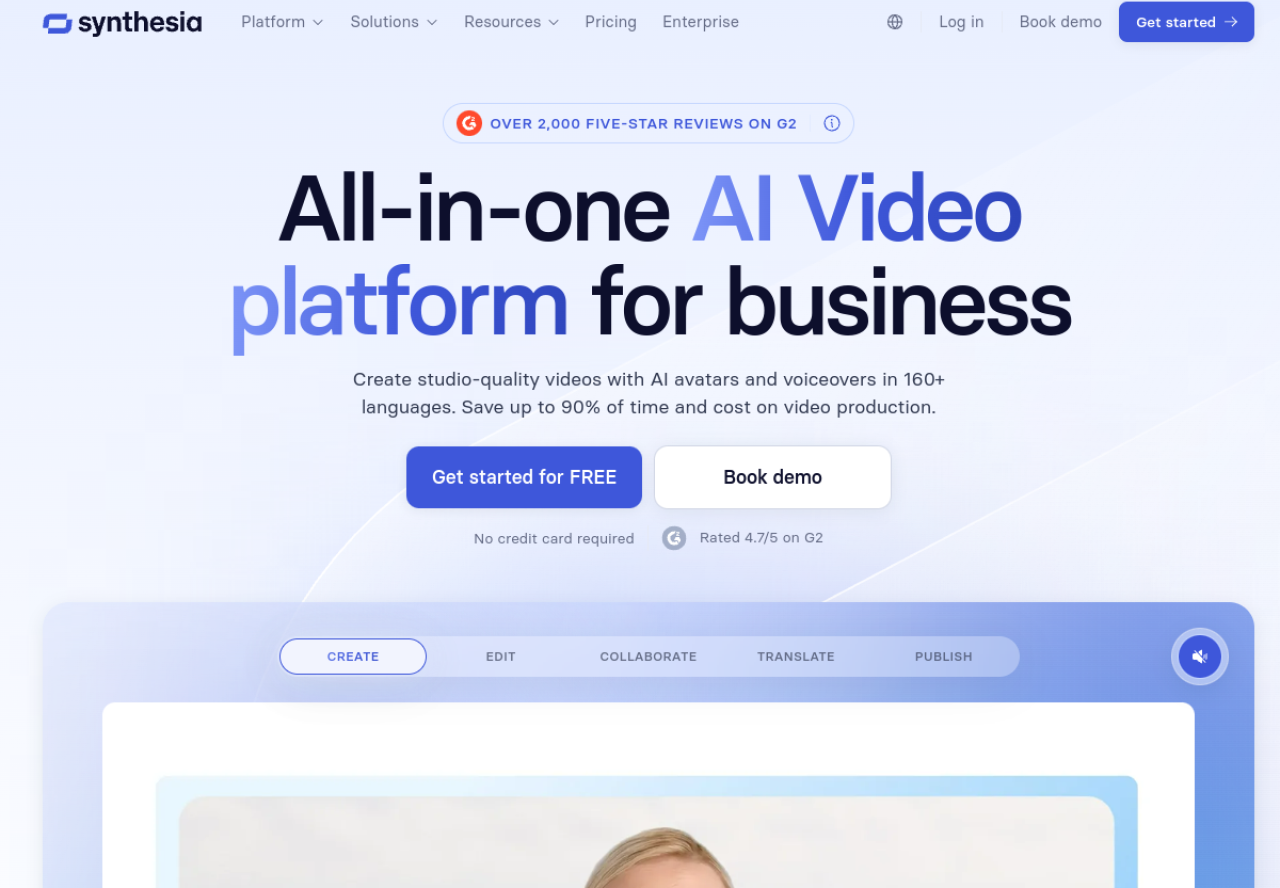
These three do not generate cinematic shots. They make presenter or voiceover videos from a script. HeyGen’s free plan allows 3 watermarked videos a month of up to one minute each. Synthesia has a free Basic plan whose videos carry a Synthesia watermark. Fliki offers a free plan with 3 credits a month, 300 voices across 80+ languages and 720p exports with a watermark, with no card required. HeyGen has no affiliate link on this site, so its image goes to the official page.
When a demo is not enough
Test a current-generation model with a free account
Kling’s homepage on October 23, 2026 headlined Kling 4.0. Its free allowance and plans are shown inside the app after you log in.
Try Kling AIAffiliate link: we may earn a commission at no extra cost to you. Prices checked on October 23, 2026; confirm on the checkout page.
The real limits of free AI video
Video generation uses expensive GPU time, which is why free access is rationed, and an account is the simplest way to ration it. That shapes what you get without paying. Expect clips of 2 to 5 seconds, 480p to 720p, a watermark or a short file lifetime, and a queue at busy hours. Faces, hands and text on screen are still where weaker models fall apart.
Two practical points. Licensing differs by tool, and many free tiers do not give you commercial rights: DeeVid, for example, lists full commercial use as a benefit of its paid plans. And without an account, your prompt still goes to someone’s server, so avoid private details. For narration on your clips, a voice tool helps, and our ElevenLabs review explains what its free plan does and does not allow.
Ready for watermark-free clips
Start free on DeeVid, upgrade only if the results fit
New accounts get 20 credits, and paid plans from $10 a month billed yearly list no watermark and full commercial use.
Try DeeVidAffiliate link: we may earn a commission at no extra cost to you. Prices checked on October 23, 2026; confirm on the checkout page.
Frequently asked questions
Is there a free AI video generator with no sign-up?
Yes, a few. On October 23, 2026 we generated a clip without an account on Hugging Face’s public LTX-Video demo and in Gstory’s guest mode. Output is short and low resolution, and several sites that claim “no login” asked us to register.
Is there a completely free AI video generator?
Not at high quality. The open demos are free but basic, and the polished tools ration free use with credits, watermarks or caps. Runway’s 125 credits are a one-time trial, for example, and HeyGen’s free plan is 3 watermarked videos a month.
Why do most AI video generators ask you to sign up?
Generating video costs real computing power, so providers tie free credits to an account to limit abuse and convert users to paid plans. That is our reading of the pattern, since the sites do not all explain it, but the sign-in windows we saw were all attached to free credits.
Can I use free AI videos on YouTube or TikTok?
Only if the tool’s terms allow it. Free outputs are often watermarked, and some vendors reserve commercial use for paid plans. Read the license of the exact tool before you publish or monetize anything.
Are no-sign-up video generators safe?
They avoid giving out your email, but your prompt and the result still sit on a third-party server. Gstory, for example, says guest files expire after 24 hours. Do not upload private photos or confidential text, and be careful with sites that look like copies of well-known brands.
What is the best free AI video generator?
For no account at all, try the LTX-Video demo or Gstory. For the best quality at zero cost, open a free account on Kling, Runway or DeeVid and compare the same prompt. For talking presenters, HeyGen, Synthesia or Fliki.