Free Online VPN With No Download: What Works and What Doesn’t
A free online VPN with no download is a web proxy, a built-in browser VPN or an extension. What each one covers, where it fails, and the safer free upgrade.
 12 min read

A free online VPN with no download is never quite a VPN in the full sense. It is one of three things: a web proxy you open in a browser tab, a VPN feature built into a browser such as Opera or Edge, or a browser extension. All three can hide your IP address from the sites you visit, but only for the browser or the page, not for the rest of your device.
A free online VPN with no download is a web proxy, a built-in browser VPN or an extension, and it only protects the browser or the page. For daily use, Proton VPN Free (no ads, no logs, one device) is the safer free step, and NordVPN the paid one.
Summarize this article with:
 ChatGPT
 Perplexity
 Claude
 Grok
GrokThat is enough for a one-off task: opening a blocked page, or browsing on café Wi-Fi without installing anything. It is not enough for streaming, for banking, or for everyday privacy. Below is what each option does, where it breaks, and which free choice is the safest to start with. Everything here was checked on the providers’ own pages on October 23, 2026.
What “no download” really gives you
A VPN app installed on your phone or computer wraps all of the device’s internet traffic in an encrypted tunnel: your mail client, your games, your apps, every browser. Skip the install and you lose that device-wide coverage. What you get instead depends on the route you pick.
A web proxy is a website with an address bar. You type the page you want, the proxy’s server fetches it using its own IP address, and passes it back to you. The site you visit sees the proxy’s IP, not yours. It is instant, but the proxy operator sees everything that passes through it, so trust is the whole game.
A built-in browser VPN is a switch inside a browser you already use. A browser extension is a small add-on you install from the browser’s store. Installing an extension is lighter than installing an app, but it is still an installation, and an extension can read the pages you visit, which is why the publisher matters.
The five free options side by side
| Option | Type | Install needed | Account | What it covers | Main catch |
|---|---|---|---|---|---|
| Hide.me web proxy | Web proxy | No | No | Only pages opened through the proxy | Three locations (Germany, Netherlands, Finland); you must trust the operator |
| CroxyProxy | Web proxy | No (optional Chrome extension) | No for the free proxy | Only pages opened through the proxy | Premium tier is sold on the same page; no stated server locations on the home page |
| Opera free VPN | Built into the Opera browser | No, if you already use Opera | No | What you do in Opera | Opera only; three locations (US, Singapore, Netherlands) |
| Edge Secure Network | Built into Microsoft Edge | No, if you already use Edge | Personal Microsoft account | What you do in Edge | 5 GB of data per month |
| Proton VPN Free | Extension or full app | Yes | Free Proton account | The browser (extension) or the whole device (app) | 1 device, 10 countries picked for you, medium speed |
The safer free option
Proton VPN Free: no ads, no logs, no data cap
Proton’s free plan covers one device with no card required and no advertising. It also comes as a browser extension if you prefer not to install the full app.
Get Proton VPN FreeAffiliate link: we may earn a commission if you later upgrade, at no extra cost to you. Plan details checked on October 23, 2026.
Web proxies: fine for a quick look, risky for anything private
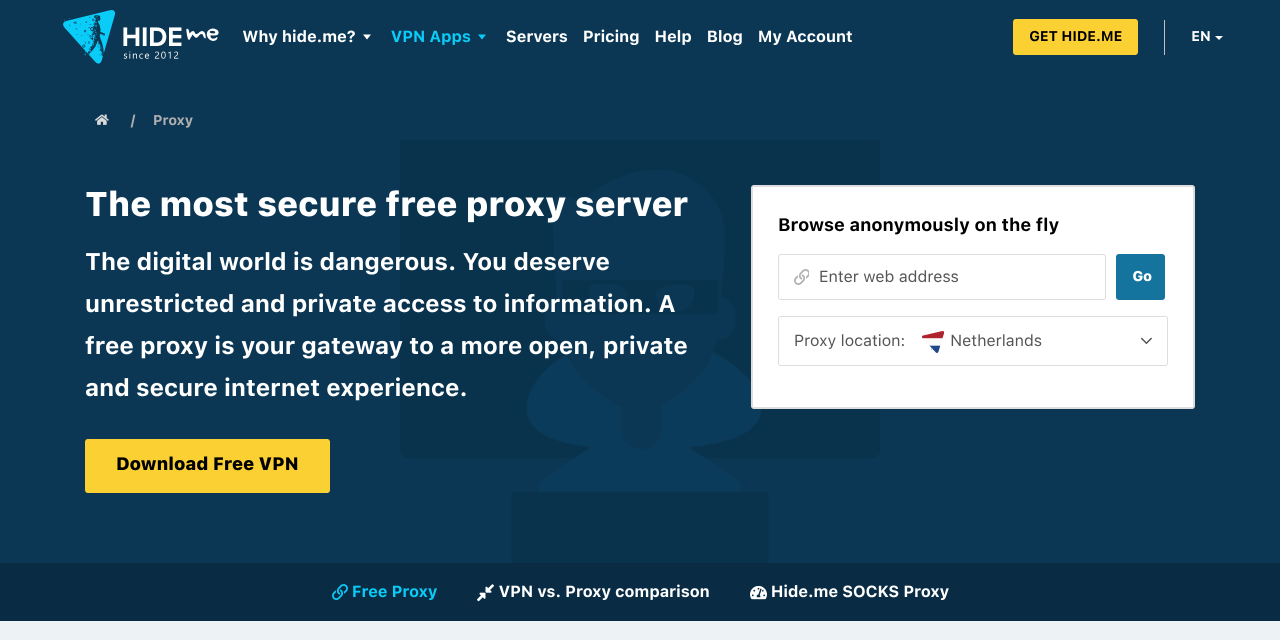
Hide.me’s web proxy needs no installation and no sign-up on the page. You choose between servers in Germany, the Netherlands and Finland, and it offers a few switches such as allowing or blocking cookies, encrypting the URL and removing scripts. Hide.me says it does not log your activity or IP address on the free proxy, and its page admits that a web proxy decrypts and re-encrypts traffic to fetch content. That is the point to remember: you are trusting the operator with what passes through.
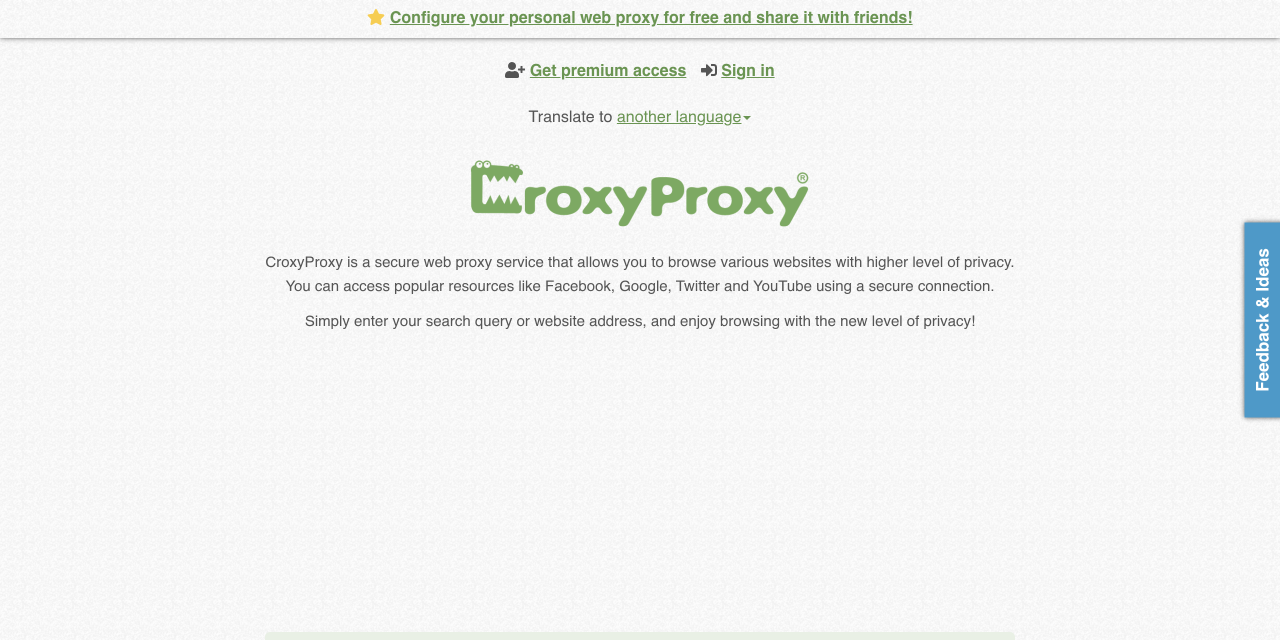
CroxyProxy works the same way. Its home page promotes access to YouTube and other popular sites through the proxy, and it sells a premium tier alongside the free one. For a single page, that is workable. Never type a password, a card number or any account login into a web proxy you do not know, because the operator can see what passes through it, and a proxy that rewrites pages can also break their security features.
Expect problems with video too. Streaming platforms such as Netflix and Disney+ routinely block the address ranges that proxies and free servers use, so a proxy that opens a news site may still fail on a streaming app. If you are weighing a proxy against a paid tool for that purpose, our guide on how to choose a VPN explains what to compare.
Opera and Edge: a VPN switch that is already in the browser
Opera describes itself as the only browser with a completely free, built-in, unlimited VPN that needs no account. According to Opera, there are no bandwidth limits, no data caps and no ads, it uses AES-256 encryption, and its no-log policy has been independently audited by Deloitte. You get three real locations: the United States, Singapore and the Netherlands. On desktop it can switch on by itself when you join a public network.
The limit is simple. It protects what you do inside Opera. A messaging app, a game launcher or another browser on the same laptop keeps using your normal connection. Opera’s own description is of a browser feature, and you should read it that way. For a deeper explanation of what a VPN should and should not be trusted with, see our Proton VPN review, which also covers audits and logging.
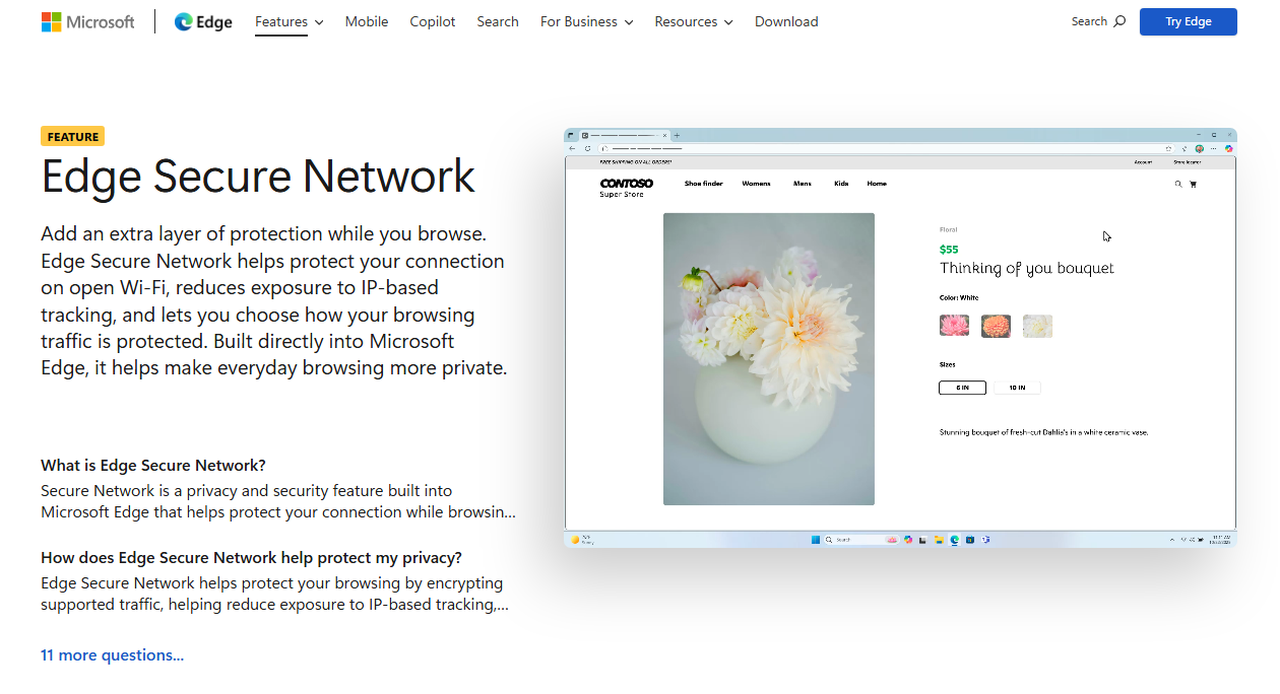
Microsoft Edge’s Secure Network is built on the same idea with a data allowance. You sign in to Edge with a personal Microsoft account and turn it on, and Microsoft includes 5 GB of data per month. Three modes decide what goes through it: Optimized (protects open Wi-Fi and unsecured connections while managing the allowance), Select Sites (only the sites you pick) and All Sites (all browsing, which can use the allowance faster).
Five gigabytes sounds like a lot until you watch video. A few hours of streaming can use it up, and Optimized mode may not route every kind of traffic through the network at all, to protect the allowance. Treat it as a Wi-Fi safety net for reading and browsing, not as a general-purpose VPN.
Extensions: easy to install, easy to choose badly
Search the Chrome or Firefox store for “free VPN” and you will find dozens of results with glossy icons and vague privacy policies. A VPN extension can read every page you open, so a free one that earns money from ads or data is working against the privacy you wanted. Before installing any of them, look for a named company, a published no-logs policy, independent audits and a plain statement of how it makes money.
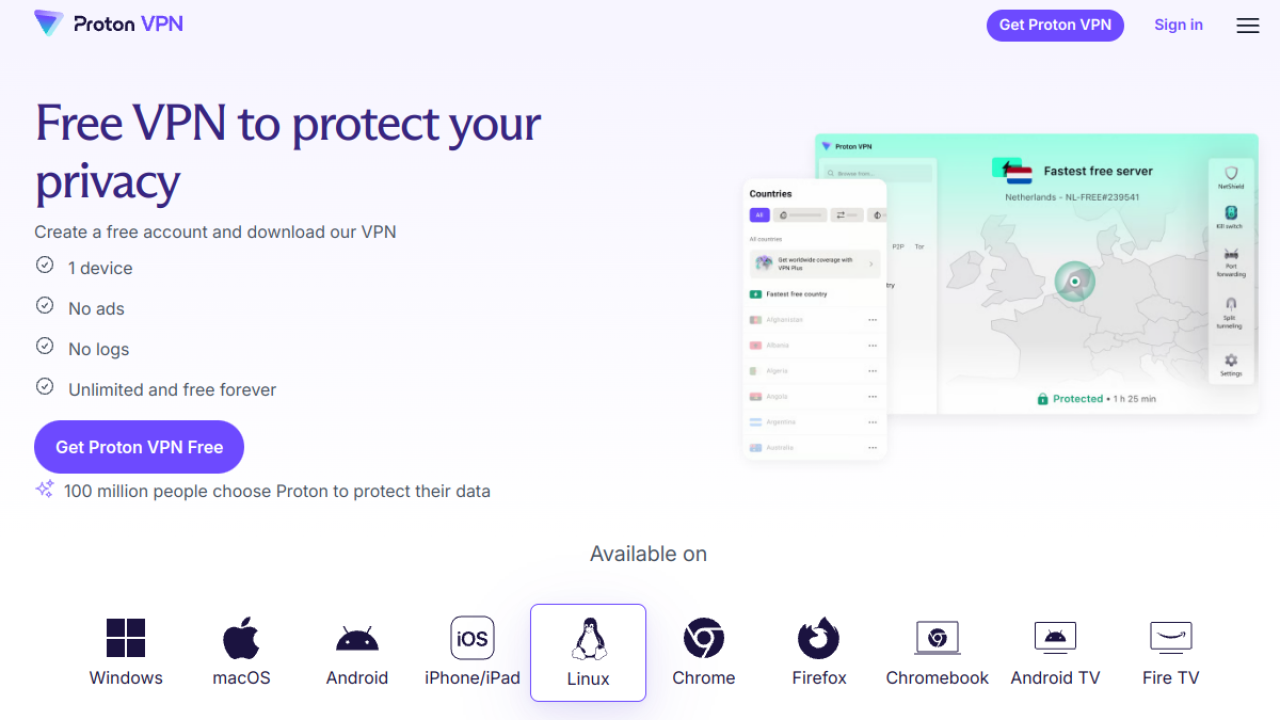
Proton VPN is one of the few free options that clears that bar. Its free VPN page lists extensions for Chrome and Firefox as well as apps for Windows, macOS, Android, iPhone and iPad, and Linux. Proton says the free plan has no ads, no logs and no data cap, and it describes the service as unlimited and free forever. The practical limits are one device at a time and servers in 10 countries that are assigned to you automatically.
Where a real VPN app is different
An installed app sits at the operating-system level. That means every program on the device goes through the tunnel, and features that cannot work in a browser tab become possible: a kill switch that cuts the connection if the VPN drops, split tunneling, and the choice of which country you appear to be in. The Proton VPN app, for example, shows a kill switch and split tunneling in its settings, alongside the NetShield ad and tracker blocker on paid plans.
- Coverage: an app protects the whole device. A proxy, a built-in browser VPN or an extension protects the browser or one page.
- Streaming: paid apps are built to cope with blocking, though no provider can guarantee it. Proxies and free servers are blocked more often.
- Devices: one free account covers one device on Proton Free. Paid plans from Proton and NordVPN cover 10 at once.
- Accountability: a company that sells subscriptions has a business reason to protect your data. A free service with no stated business model does not.
Which one should you use?
- You need to open a blocked page once: a web proxy such as Hide.me is quick, as long as you log in to nothing.
- You are on public Wi-Fi and want to read or browse: turn on Opera’s built-in VPN, or Edge Secure Network if you stay under 5 GB a month.
- You want a free option you can use every day: Proton VPN Free, as an extension if you want to avoid an app, otherwise the app.
- You want streaming, several devices or a country of your choice: you need a paid VPN. Anything free will disappoint you here.
Stepping up to a paid VPN
If the free options keep falling short, the upgrade is cheaper than most people expect, provided you read the renewal line. On Proton’s pricing page, read on October 23, 2026 from a US server, VPN Plus costs $3.49 a month on the 2-year plan (billed $83.76 for the first 24 months, then $83.88 every 12 months). It covers 10 devices and lists servers in 140+ countries, with a 30-day money-back guarantee. Our Proton VPN review goes through what you get.
NordVPN’s Basic plan is also $3.49 a month on its 2-year plan with 3 extra months, which comes to $94.23 for the first 27 months, and it renews at $139.08 a year (read the same day). It also allows 10 devices and has a 30-day money-back guarantee. The renewal price is the real difference between the two, which we cover in our NordVPN price breakdown and in the NordVPN review.
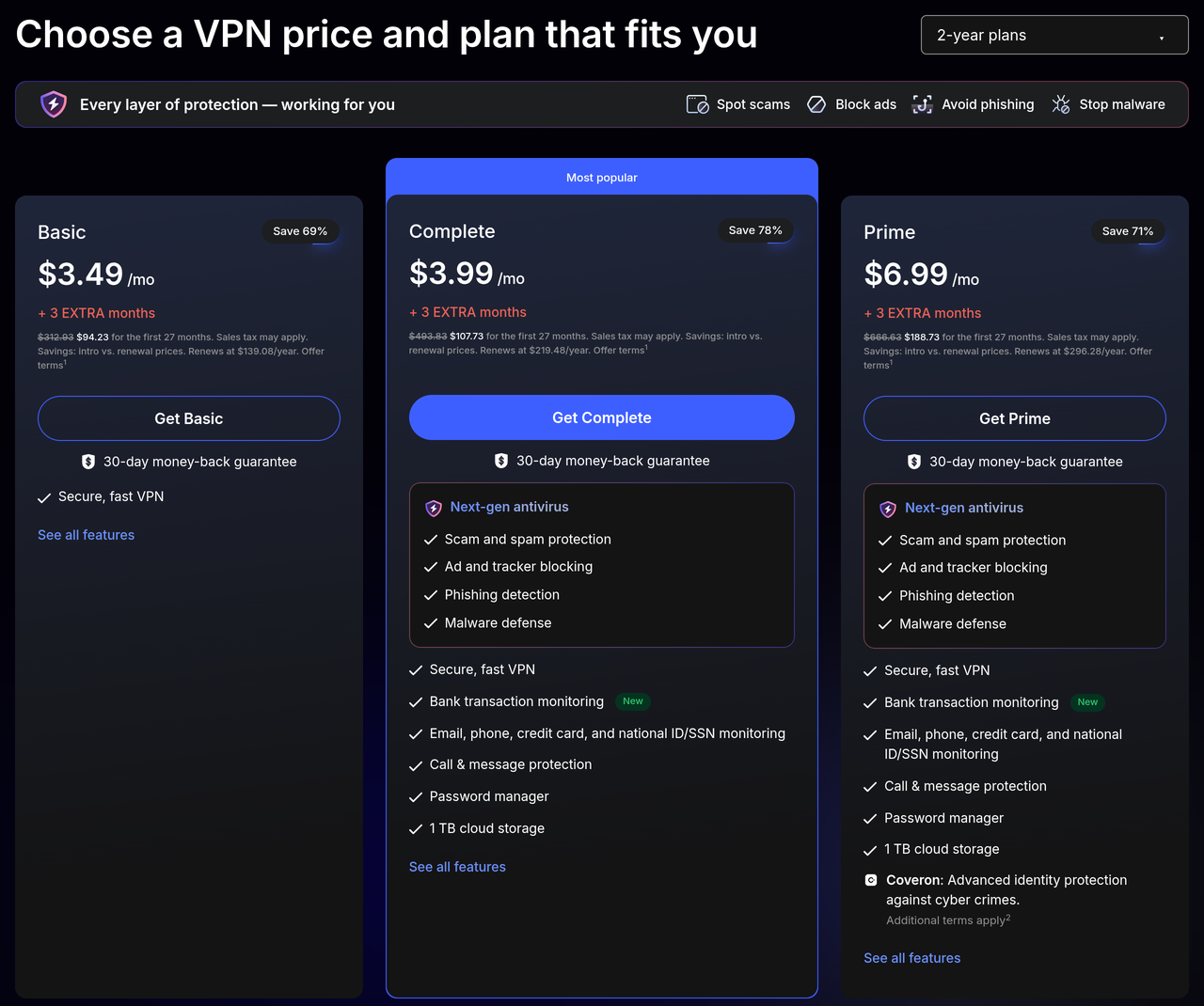
Timing matters if you can wait. NordVPN’s Black Friday deal runs until November 24, 2026, and Proton has announced a Black Friday sale from October 26 to November 30 with 75% off the 24-month VPN Plus plan (no price published yet). We track both on our Black Friday 2026 page.
Is a free VPN safe to use?
It depends entirely on who runs it and how they pay for it. Running VPN servers costs money, so a free service has to earn it somewhere: ads, a data cap that pushes you to upgrade, or, in the worst cases, selling browsing data. The safest free VPNs are the ones owned by a paid VPN company that offers the free tier as a demo, with a no-logs policy you can read and audits you can check.
Use the same test for the app stores: a named publisher, a clear privacy policy, and a business model you can explain in one sentence. If you cannot explain how a free VPN pays for its servers, assume it is paying with your data. And remember that none of these tools replaces good habits such as HTTPS, updates and unique passwords.
Our recommendation
Start free, upgrade only if you hit a limit
If you want a full app with up to 10 devices, NordVPN’s Basic plan is $3.49 a month on the 2-year plan and carries a 30-day money-back guarantee.
See the NordVPN dealAffiliate link: we may earn a commission at no extra cost to you. Prices checked on October 23, 2026; the plan renews at $139.08 a year, so confirm on the checkout page.
Frequently asked questions
Can I use a VPN without downloading anything?
Yes, in a limited way. You can use a web proxy in a browser tab, or switch on a VPN that is already built into your browser (Opera, or Edge with a Microsoft account). Both protect only browser traffic and only some of it. A browser extension is a lighter install than an app but is still an install.
Does a VPN have to be downloaded?
Not always, but a downloaded app is the only form that protects every program on your device and offers features like a kill switch. If you only need occasional protection in one browser, the no-download routes above are enough.
Is a free VPN illegal?
No. Using a VPN, free or paid, is legal in the United States and the United Kingdom, and in most other countries. Activity that is illegal stays illegal with a VPN, and bypassing a streaming service’s regional restrictions can break its terms of use even though it is not a crime.
Which VPN is really free?
Proton VPN’s free plan and Opera’s built-in VPN are the two that are free without a time limit and without ads, according to their own pages. Proton needs a free account and covers one device; Opera needs no account but only works inside its browser. Edge’s version is free but limited to 5 GB a month.
Is there a 100% free VPN?
There are free plans with no payment required, but any free VPN has some limit: devices, locations, speed, data or coverage. A paid VPN with a money-back guarantee, such as NordVPN’s 30 days, works as a free trial of the full service if you cancel in time.
Why do some people avoid NordVPN?
The most common complaint is price: the intro rate is low, but the Basic plan renews at $139.08 a year. Others prefer a VPN-only product to NordVPN’s bundle of extras, or a provider with fully open-source apps, which is where Proton VPN stands out. Our NordVPN review weighs both sides.